
Skip to content
WeTheNorth Archive logo Verified Mirror Archive · Est. 2024
Call No. 025.6 · HOW-TO

Accessing WTN: complete guide for 2026

Eight steps. Tor Browser, security settings, Monero wallet, PGP key generation, obtaining an invite, registration, account verification, and placing a first order. Written for Canadian buyers starting from zero.

  • 025.6 8 steps total
  • 025.52 ~60 min first setup
  • 332.178 Free tools only
  • 383.144 Canada-focused

Jump to the eight steps or read the OPSEC section if you have already done the setup.

028.9

How WTN setup differs from other markets

WeTheNorth requires steps that open-registration global markets skip entirely. Invite code, mnemonic backup, and domestic shipping OPSEC are WTN-specific. The Tor and Monero steps are universal.

364.16

The invite step is the slowest one

Every WTN registration requires an invitation code from an existing member in good standing. Unlike setting up Tor Browser or generating a PGP key, you cannot self-complete this step. The invite comes from another person, and that person's decision timeline is out of your control.

The fastest path is building a Dread account first. Dread is the primary darknet forum where WTN community threads are active. Post substantively in WTN-related threads, demonstrate that you understand how the platform works, and requests from that position get faster responses than cold approaches from brand-new accounts.

Some long-tenure WTN members post in dedicated Dread threads when they have invite codes to offer. These threads appear periodically and are not continuous. Watch for them rather than messaging established members cold — unsolicited invite requests are a known social engineering vector and members recognize them as such.
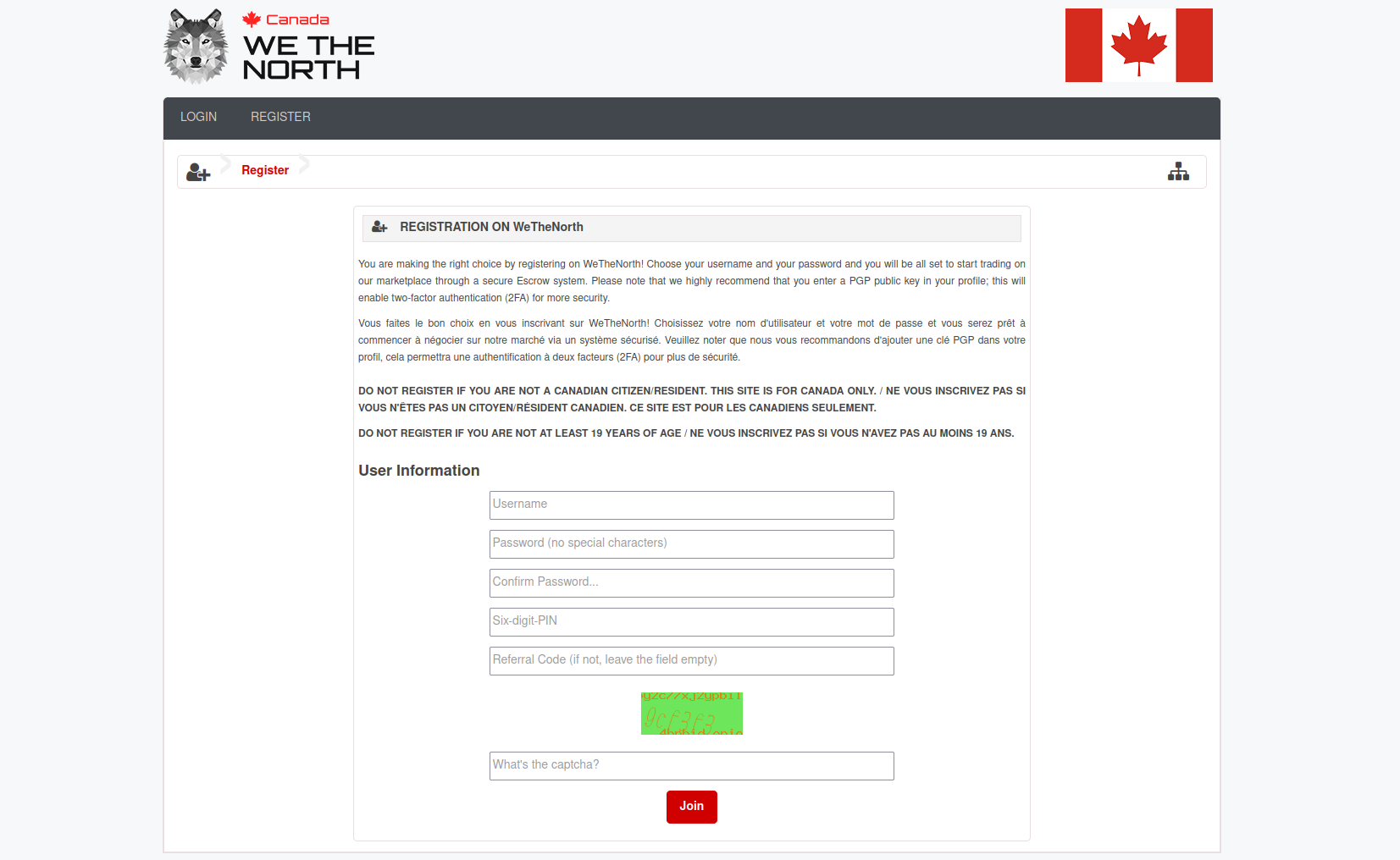
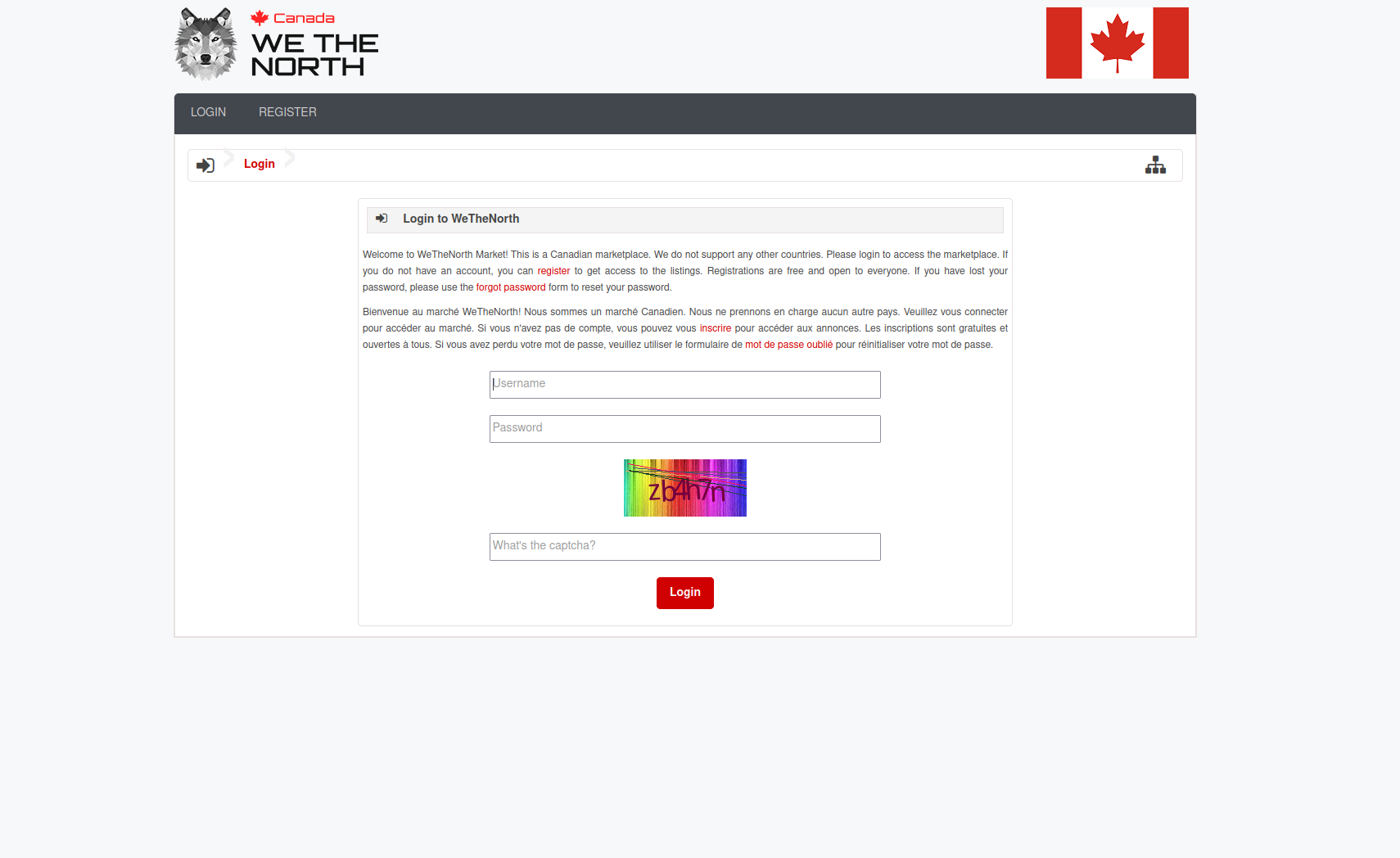
WTN registration form with invite code field
005.82

The mnemonic is not optional

WTN generates a twelve-word recovery phrase at first login. This phrase is the only way to recover the account if you lose the password. There is no email recovery. No support pathway bypasses this. Write it down before you do anything else on the platform. Paper only. Not a phone. Not a cloud note.

383.144

Canadian postal OPSEC is a separate skill

Domestic shipping through Canada Post removes customs inspection but introduces different considerations. Delivery addresses should be locations you fully control. Do not sign for packages. Do not provide ID. Rotate receiving addresses if you order frequently from the same vendor. These habits are specific to WTN's domestic model and have no direct equivalent in international market guides.

025.6

Eight steps to a first WeTheNorth session

In order. The first three can run in parallel. Steps five through eight require their predecessors to be complete. Do not skip the mnemonic backup in step seven.

  1. § 01

    Install Tor Browser from torproject.org

    Navigate directly to torproject.org. Type the address — do not use a search engine to find it. Download the Tor Browser installer for your operating system. On the same download page is a PGP signature file. Download that too, then verify the signature using the Tor Project's signing key before installing. A verification mismatch means the file was tampered with.

    For stronger isolation, consider Tails OS from tails.net. Tails runs from a USB drive, routes all traffic through Tor automatically, and leaves no trace on the host machine. It ships with every tool in this guide pre-installed. If you plan to use WTN regularly, the one-time Tails setup investment replaces several ongoing steps. Alternatively, Whonix in a virtual machine provides comparable isolation on a standard operating system.

    Tor Browser installation and connection screen
  2. § 02

    Set Tor Browser's security slider to Safest

    Open Tor Browser. Click the shield icon to the left of the address bar. Select "Change." Drag the security slider to Safest. JavaScript is disabled at this level. Font rendering is limited. Several browser features that have been used for de-anonymization in past attacks are turned off.

    WeTheNorth loads correctly at Safest. Every page renders without scripting. If you land on a page claiming to be WeTheNorth that requires JavaScript to show the login form, close the tab — it is a clone. The no-JavaScript test is fast and reliable. For the most current recommendations on browser hardening, Privacy Guides and EFF's Surveillance Self-Defense both maintain updated Tor Browser sections.

  3. § 03

    Set up a Monero wallet

    Download the official Monero wallet from getmonero.org. Verify the hash before installing. Cake Wallet is the simpler mobile option if you prefer Android or iOS. Both connect to the Monero network and handle escrow deposits correctly.

    Generate a new wallet. Write the 25-word seed phrase on paper and store it physically — not in cloud storage, not photographed on your phone. Fund the wallet from a non-KYC source: a peer-to-peer exchange or a direct transaction from another Monero wallet. Funds withdrawn from a KYC exchange carry an identifying trail from the withdrawal point even after they arrive at a Monero address. Monero's privacy applies to intra-Monero transfers, not to the path before the first Monero address.

    Bitcoin is also accepted. If you hold BTC, the same wallet precautions apply — withdraw to a self-custody wallet first, never send directly from an exchange balance to an escrow address.

  4. § 04

    Generate a dedicated PGP key for WTN

    Install GnuPG. Generate a new 4096-bit RSA or Ed25519 key used only for WeTheNorth. Do not reuse a key from email or another market. Create a strong passphrase: sixteen-plus characters, not a recognizable phrase. Export the public key for upload to your WTN profile. Store the private key in a KeePassXC attachment or on a VeraCrypt volume. Back it up to offline storage — a USB drive that does not connect to the internet during key operations.

    Practice the decrypt-and-reply workflow before your first session. Vendors send shipping addresses as PGP-encrypted messages. Sloppy decryption — pasting ciphertext into an online decryption tool, for example — exposes the address in transit. Do the decryption locally with GnuPG every time. Read privacyguides.org for a clean GnuPG walkthrough if you are new to the process.

    WTN PGP verification and captcha screen
  5. § 05

    Obtain a WeTheNorth invitation code

    WeTheNorth does not offer open registration. You need an invite from an existing member. Build a Dread account first if you do not already have one. Post in WTN-adjacent threads, demonstrate familiarity with the platform, and let your presence develop over weeks rather than days. Established members who distribute invites do so selectively and will not respond to cold requests from accounts with no visible history.

    Watch for periodic Dread threads where members with invite codes announce availability. These threads have a short window. Set up a Dread notification for the WTN subforum if the platform supports it. When you spot an active invite thread, respond with a brief account of your existing darknet market history — specifics matter more than volume.

    Do not purchase invites. People selling WTN invites are either scammers (the code does not work) or compromised accounts (the invite creates a link between your new account and a potentially flagged source). Both outcomes are worse than waiting.

  6. § 06

    Connect, complete registration, and upload your PGP key

    Go to the verified links page on this archive. Copy the primary WTN address. Open a new tab in Tor Browser and paste it. The platform loads with a captcha — complete it. On the registration form, enter a username with no connection to any real identity, set your passphrase, input the invitation code, and upload the public PGP key you generated in step four.

    After registration, verify the PGP key upload: go to account settings, find the PGP section, run the test challenge, and decrypt it with your local GnuPG. If the challenge decrypts correctly, the key is properly linked. If not, re-upload the public key and repeat the test before trusting the account for transactions.

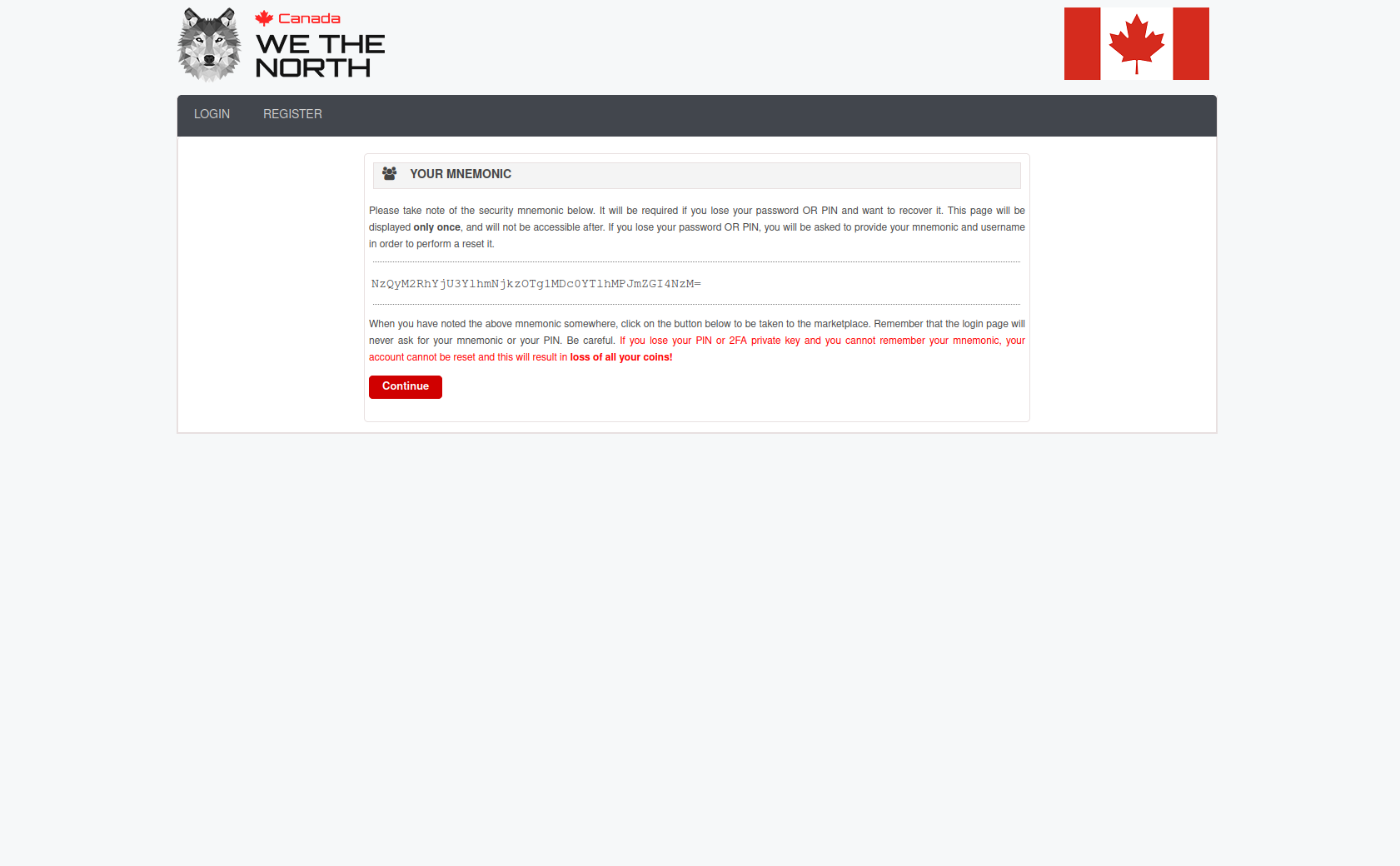
    WTN mnemonic recovery phrase display
  7. § 07

    Save the twelve-word mnemonic and enable 2FA

    Immediately after registration, WeTheNorth displays a twelve-word recovery mnemonic. Write every word on paper in order. Number them. Store the paper in a separate physical location from your computer — not a drawer in the same room, not a digital photo. This phrase is the only recovery pathway if you lose the account password. The platform cannot recover it for you.

    Enable 2FA before browsing any listings. TOTP via an air-gapped authenticator app is the easiest. PGP challenge-response is the most phishing-resistant because a clone cannot complete the challenge without your private key. Enable whichever option you can maintain consistently — 2FA that gets disabled because it is inconvenient is worse than no 2FA in practice.

    Save the 2FA backup codes in the same physical location as the mnemonic. When the list depletes to three remaining codes, generate a new set. Do not reach zero backup codes on an active account.

  8. § 08

    Browse domestic vendors and place a first order

    WeTheNorth's 1,081 vendors are all domestic Canadian shippers. Browse by category or province. Check vendor feedback depth — a vendor with 400 completed orders and consistent 4.7-plus ratings is a better starting choice than a newer account with fewer than fifty transactions. The feedback history visible on WTN is the same information other buyers acted on; trust it.

    At checkout, the platform generates a one-time escrow address. Send the exact quoted amount from your Monero or Bitcoin wallet — not from an exchange balance. Keep a small buffer for transaction fees; a payment that lands short sits in the contract until you top it up, which adds time.

    All vendor communication should stay inside the WTN messaging system. Vendors who ask to take conversations to Signal or external channels are violating platform rules. Keep records of all communications inside WTN in case a dispute arises.

    When the package arrives, confirm delivery inside WTN. That triggers escrow release to the vendor. If it does not arrive by the expected date, open a dispute before the escrow window closes. The platform moderates disputes using the message thread and any tracking information provided. For additional delivery OPSEC, Mullvad VPN and an OnionShare channel for out-of-band messaging are optional extras that some experienced buyers use.

363.325

OPSEC for recurring WTN use

The setup guide covers the first session. These habits apply to every session after.

363.325

Nine habits that matter over time

  • New Tor circuit at the start of every session. Use "New Identity" rather than just opening a new tab. A new identity tears down all existing circuits and assigns fresh relay paths.
  • Bookmarks inside Tor Browser only. Clearnet browser bookmarks sync to cloud services and are visible to extensions. Tor Browser does not sync.
  • Separate receiving addresses. Do not use the same address for multiple vendors if you order frequently. Rotating addresses reduces correlation across orders.
  • Never sign for packages. Do not show ID. Use a receiving location you fully control. Do not receive at a workplace or shared living address where others access the post.
  • Verify the canary before each session. The WTN canary is published on Dread. Check that it is current before logging in.
  • Air-gap the PGP private key. The private key should not be on a machine that connects to the internet while the key is present. Tails on a USB satisfies this requirement automatically.
  • Fund fresh wallets from non-KYC sources. Funds from KYC exchange withdrawals carry an identifying trail regardless of subsequent Monero transfers.
  • No screenshots. No screen sharing. Order history and vendor conversations should not appear in files that live in cloud storage or on shared devices.
  • Keep communication inside WTN. Any request to move a conversation off-platform is a red flag regardless of the stated reason.

For deeper reading on all of these, EFF's Surveillance Self-Defense and Privacy Guides publish updated operational security guides that cover each topic with specific tool recommendations.

Privacy and security abstract concept
025.52

Guide questions — the reference desk answers

Eight questions from Canadian buyers going through this guide for the first time.

HT-001How long does it take to get a WeTheNorth invitation?

Variable. Buyers with visible Dread reputation typically get a response within days to two weeks. Accounts with no history can wait months. Build a Dread presence first — post substantively in WTN threads, demonstrate platform knowledge, make the request after you have established credibility in the community. Cold requests from new accounts with no history are routinely ignored by members who have invite codes to distribute.

HT-002Can I access WTN from outside Canada?

You can connect through Tor Browser from anywhere. Shipping is Canada-only. No WTN vendor fulfils international deliveries. If you are outside Canada and connecting to WeTheNorth, you will see listings and be able to browse, but no purchase will be fulfilled. The platform is designed specifically for Canadian buyers who benefit from the domestic postal model.

HT-003What happens if I lose my WTN recovery mnemonic?

Account recovery becomes impossible if you also lose the password. The mnemonic is the recovery pathway — there is no email reset, no support ticket that bypasses it. Write it on paper before your first login. Keep the paper in a location that does not depend on electricity, connectivity, or a third party. Most people lose it by storing it digitally "just until I print it" and then forgetting.

HT-004Is Monero required on WeTheNorth?

No. Both Bitcoin and Monero are accepted. Monero is recommended because RingCT hides sender, recipient, and amount at the protocol level. Bitcoin transactions are permanently visible. Many Canadian buyers hold BTC from earlier years and start with it. Switching to XMR for WTN transactions is the more private option and is what most experienced buyers use after understanding the difference.

HT-005How does domestic shipping on WTN actually work?

Canada Post and domestic couriers. Orders run two to seven days depending on province. No customs inspection because everything moves within the Canadian network. Vendors advise on packaging in their listings — read the vendor notes before ordering from someone for the first time. Do not sign for packages. Arrange to receive at a location and time where you can collect without identification.

HT-006What is the twelve-word mnemonic on WTN?

A BIP39-compatible recovery phrase generated at account creation. This phrase can restore account access if the password is lost. It is shown once at first login and cannot be regenerated by the platform. Write it down immediately. Do not photograph it with your phone. Do not type it into any website. Paper in a physically secure location is the only safe storage method for this type of recovery credential.

HT-007Which VPN should I use before Tor for WTN access?

Mullvad VPN is the most frequently cited option in privacy communities. It accepts cash and Monero payment, publishes a no-logs policy backed by independent audits, and does not require an email address to sign up. A VPN before Tor hides Tor usage from your ISP at the cost of introducing the VPN provider as a potential log holder. Whether that trade-off makes sense depends on your specific ISP and threat model. Tor alone provides strong anonymity for most users without a VPN.

HT-008How does WeTheNorth escrow work for buyers?

Standard escrow. Funds lock at order placement and release when the buyer confirms delivery. Vendors cannot request early finalization — this is a hard platform rule, not a preference, and is enforced by the no-FE policy mentioned in the platform overview. Disputes are moderated by WTN staff using the message thread and any tracking data provided. The platform's 98.3% uptime over four years means the dispute queue runs consistently without extended delays.

025.04

Get the verified link and start step one

The guide is complete. Go to the verified links page for the two PGP-signed WTN addresses. Install Tor Browser. The invite step takes the longest — start building your Dread presence now if you have not already.

See verified WTN links →

Learn more about the platform in the WTN overview, or go back to the archive home.